






















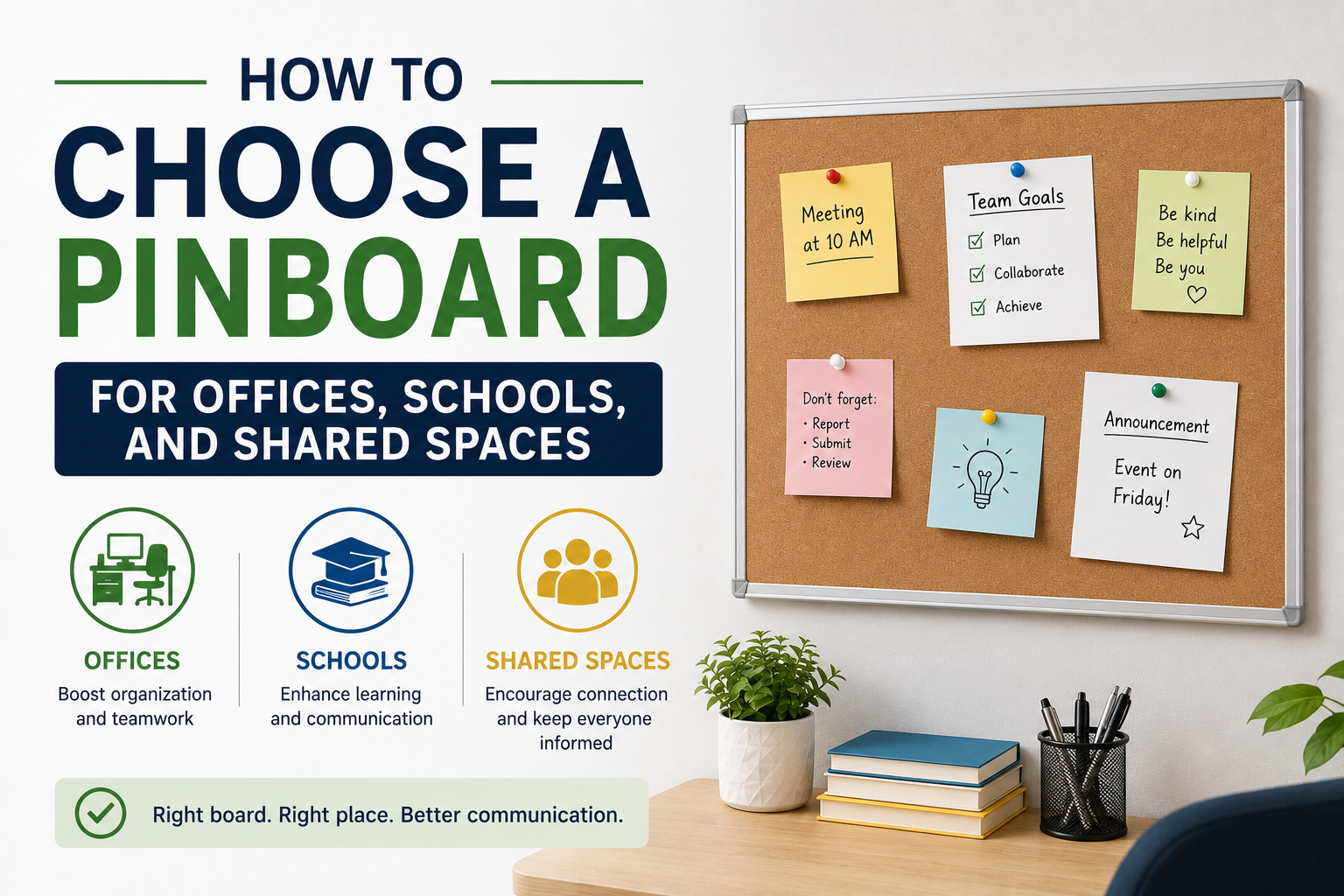
Choosing a pinboard requires more thought than simply finding a vacant section of wall. Offices, schools, training rooms, reception areas, community facilities, and project spaces can all have different display requirements. Some locations need a compact surface for short notices, while others require enough room for schedules, reference documents, student work, project plans, or frequently changing announcements. Board size, installation position, viewing distance, accessibility, room layout, and the type of information being displayed can all influence everyday usability. Careful planning can help create an organised display area that remains practical as communication needs change.
Start With the Purpose of the Display
The main purpose of the board should be identified before considering its size or position. A staff notice area may need space for schedules, announcements, and internal updates.
A classroom display may be used for learning materials, student work, calendars, or topic-related resources. Project teams may require space for plans, diagrams, printed notes, and timelines.
Understanding the intended content makes it easier to estimate how much display area is required. It can also prevent a board from becoming overcrowded soon after installation.
Measure the Available Wall Space
Wall dimensions should be checked carefully before selecting a board. Doors, windows, switches, shelves, cabinets, screens, and other fixtures can reduce the available installation area.
The surrounding space also matters. A board may fit physically but remain difficult to access if furniture blocks the lower section.
Measurements should consider both the board itself and the room required for comfortable use. People responsible for updating content need enough space to approach the display without moving furniture each time.
Consider Who Needs to See the Information
The intended audience can influence the most suitable location. A board for employees should be positioned where staff regularly pass, while a classroom display needs to remain visible to students.
Reception areas may require a location that visitors can find easily without interrupting normal movement through the space. Project boards may need to be close to the team using the information.
A display that is hidden in an inconvenient location may receive little attention, regardless of how well the content is organised.
Choose a Suitable Viewing Height
Important information should be positioned where people can read it comfortably. If the board is installed too high, much of the surface may be difficult to reach and view.
Installing it too low can create other problems, particularly when furniture or stored items block the display. The central area should generally contain the information that requires the greatest visibility.
The needs of regular users should guide the installation. Accessibility is easier to consider before mounting than after the board is fixed in place.
Match the Size to the Amount of Content
A small board may work well for a few notices, but it can quickly become cluttered if several teams need to share information.
Larger boards provide more room, but available wall space should not be the only consideration. The amount and type of content should guide the decision.
Where several unrelated types of information need to be displayed, separate boards may sometimes create a clearer arrangement than one crowded surface. The final choice should support the way people actually use the room.
Plan a Clear Content Structure
A display becomes easier to use when information is organised logically. Sections can be created for upcoming dates, general notices, reference materials, project updates, or other categories.
Simple headings can help viewers find relevant information quickly. However, too many permanent sections may limit flexibility when communication needs change.
The layout should provide enough structure to reduce clutter while allowing content to be rearranged. Leaving some open space can also make individual notices easier to see.
Avoid Overcrowding the Surface
A board filled with overlapping documents can become difficult to read. Important information may disappear among older notices and unrelated material.
Each item should have enough space to remain visible. Documents that are no longer relevant should be removed rather than covered by newer information.
A less crowded display often communicates more effectively because viewers can identify key messages quickly. The objective should be clarity rather than filling every available area.
Create a Routine for Removing Old Notices
Outdated content can reduce confidence in a shared display. People may stop checking the board if they regularly find expired schedules or announcements.
A simple review routine can help keep information current. One person or team may take responsibility for checking dates and removing material that is no longer required.
The frequency of review depends on how quickly content changes. Busy staff areas may require more regular attention than boards displaying long-term reference material.
Separate Short-Term and Long-Term Information
Some documents may only need to remain visible for a few days, while others provide useful information for several months.
Creating separate areas for temporary notices and ongoing reference material can make the display easier to understand. Viewers can quickly identify what has changed recently.
Long-term information should still be checked periodically. Contact details, procedures, schedules, and other reference materials can become outdated.
Think About the Surrounding Room Layout
The position of tables, chairs, cabinets, and other furniture can affect access to the board. A display placed behind a large desk may be visible but difficult to update.
Busy walkways also require careful planning. People should be able to stop and read information without blocking doors or creating congestion.
The room should be considered as a complete space. A suitable installation location supports visibility, access, and normal movement.
By planning the installation carefully and managing content consistently, offices, schools, and shared facilities can create a practical communication area. A well-organised display can support everyday notices, project work, learning materials, and reference information while keeping shared spaces clearer and easier to use.