






















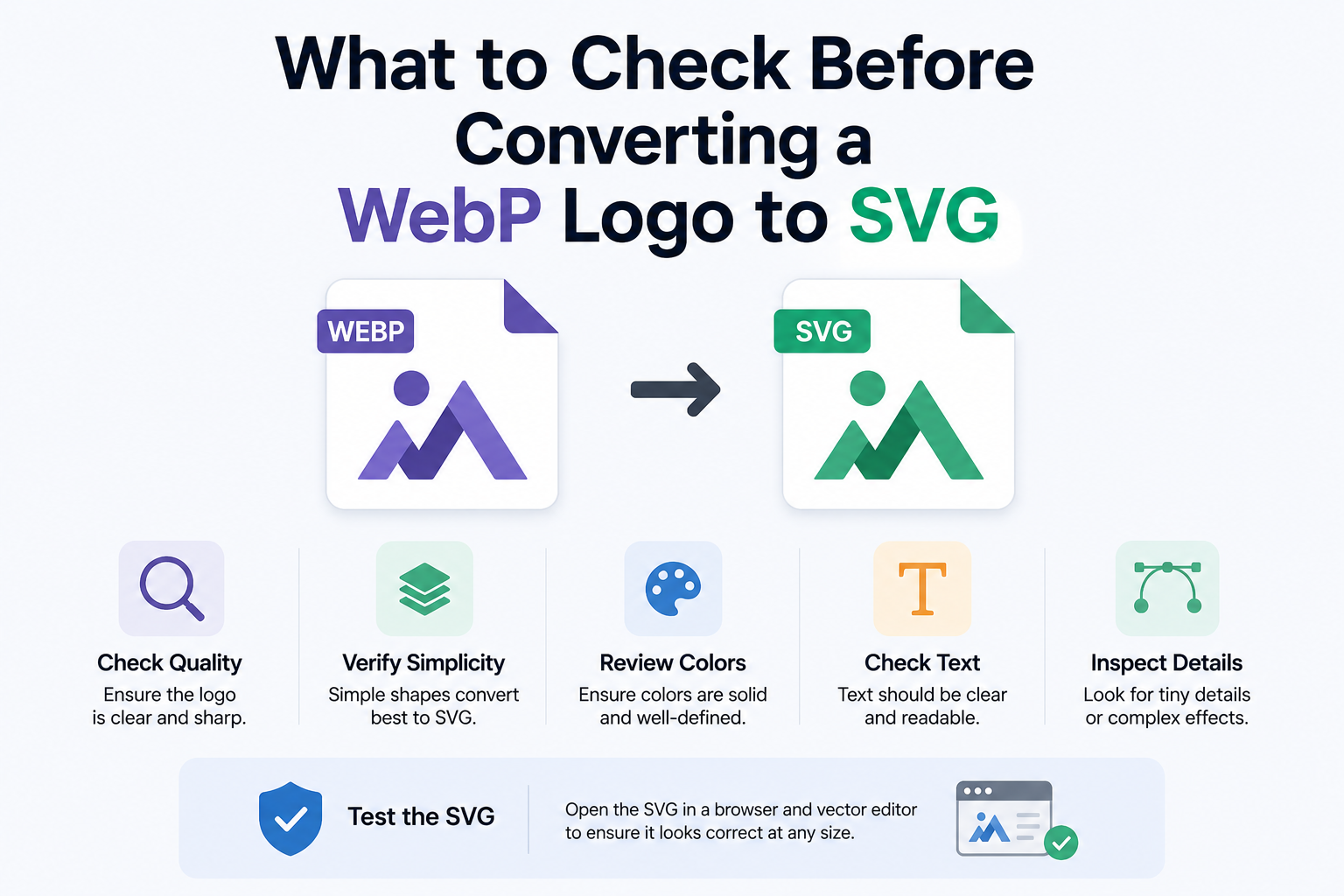
Designers often receive logo files in less-than-ideal formats. A client may send a WebP image from a website, a compressed file from a marketing folder, or a small graphic copied from an old landing page. The image might look acceptable at first glance, but it may not be suitable for real design work.
This happens often with logos and simple brand graphics.
A WebP file is useful when the goal is fast loading on a website. It is not always useful when the same graphic needs to be resized, edited, recolored, or reused in different layouts. If the logo has to appear on a business card, website header, presentation slide, email signature, or mobile app screen, a raster file can quickly become limiting.
SVG is usually a better format for this kind of asset.
Because SVG is vector-based, it can scale without becoming blurry. A clean SVG logo can look sharp on a small mobile screen and still look clean on a large display. It can also be easier to adjust colors, refine shapes, and use the same asset across different design tools.
But converting a WebP logo to SVG is not always perfect. The quality of the final file depends heavily on the original image.
Start by looking at the source WebP file. Is the logo clear? Are the edges sharp? Is the background simple? Are there shadows, gradients, or tiny text? These details matter. A flat logo with strong contrast usually converts better than a compressed image with soft edges and background noise.
If possible, prepare the image before conversion. Crop out unnecessary space. Remove the background if it is distracting. Increase contrast if the edges are hard to read. Use the largest version of the file you can find. A tiny WebP logo pulled from a website header will usually produce a weaker result than a larger, cleaner file.
Once the file is ready, you can convert WebP to SVG and check whether the result is useful for design work. The review step is important. Do not judge the SVG only by looking at it once. Zoom in and check the curves. Look at the corners. See whether small details are still readable. Then zoom out and check whether the logo still works at a small size.
Also check the file size. A logo SVG should usually be fairly clean. If the conversion creates hundreds of tiny shapes, the file may be difficult to edit and less practical to use on a website.
For simple logos, icons, badges, and marks, converting WebP to SVG can be very helpful. It can turn a fixed-size image into an asset that feels more professional and flexible.
For detailed photos or textured graphics, it is usually better to keep the original raster format.
The best result comes from choosing the right files, cleaning them up first, and reviewing the SVG carefully after conversion.