























The first time you put a Linux server on the public internet and read its logs, the experience is genuinely unsettling. Within an hour there will be login attempts from addresses in a dozen countries. Within a day there will be thousands.
This alarms people more than it should. Almost none of it is aimed at you specifically. The internet is continuously swept by automated scanners looking for machines with default passwords, unpatched software, and exposed services. They are not evaluating whether you are worth attacking. They are checking whether you are easy.
That distinction matters, because it means the defenses that work are unglamorous and mostly free. You do not need to outrun a determined attacker. You need to not be the easiest machine on the scanner’s list, and the gap between those two standards is where nearly all practical server security lives.
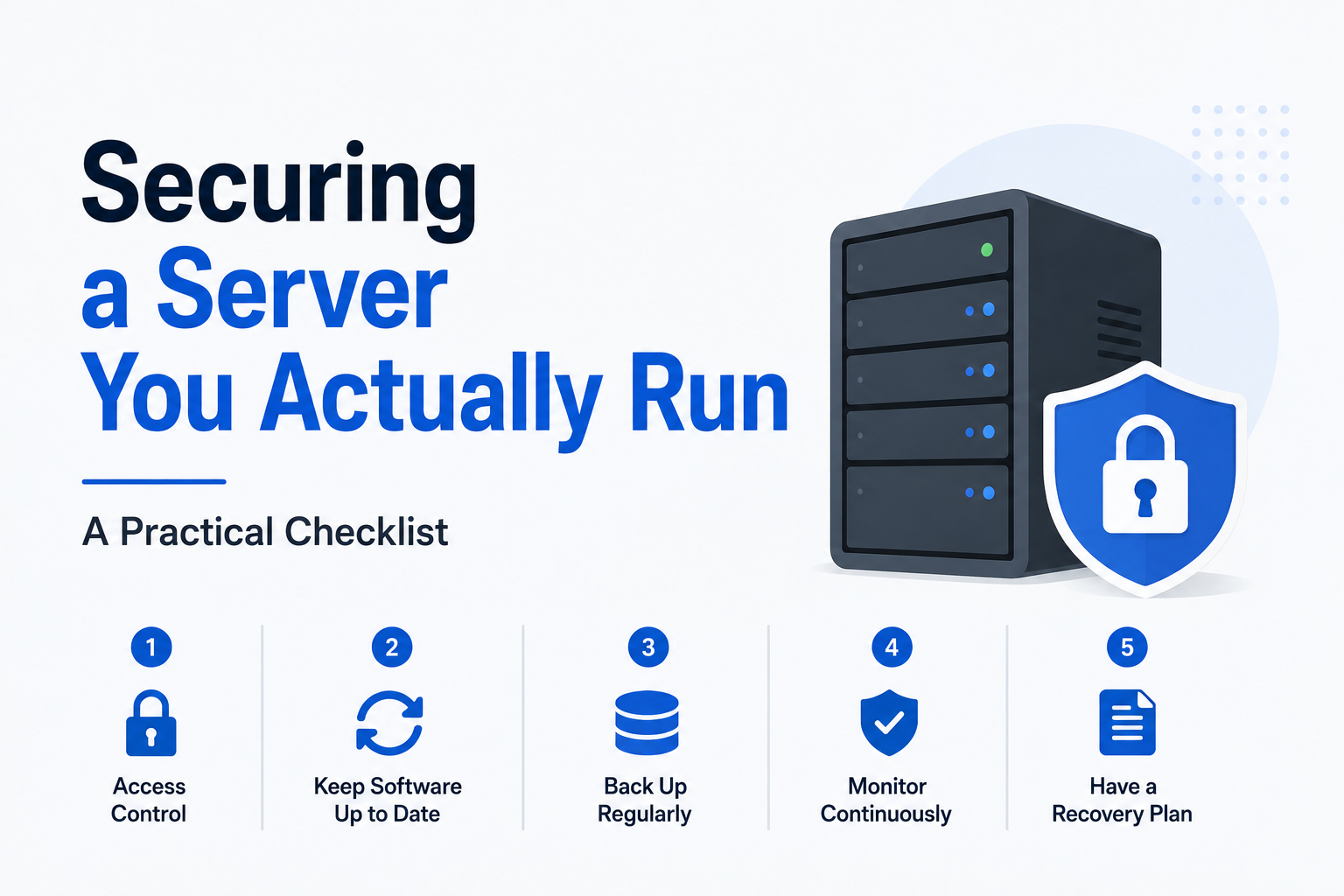
Here is the checklist, roughly in order of how much protection each step buys you.
Stop Using Passwords for SSH
This is the single highest value change, and everything else on the list is a distant second.
Password authentication is what the automated attacks are testing. Replace it with key based authentication: you generate a cryptographic key pair, put the public half on the server, and keep the private half on your own machine. Then you disable password login entirely in the SSH configuration.
Once password authentication is off, the brute force attempts filling your logs become irrelevant. They are trying a door that no longer opens that way.
Two things to get right. Protect your private key with a passphrase, because an unprotected key on a stolen laptop is a password written on a sticky note. And test that your key works in a second terminal session before you disable passwords, since the classic beginner mistake is locking yourself out of your own machine.
While you are in that config file, disable direct root login. Log in as an ordinary user and elevate with sudo when needed. It is a small friction that removes the single most valuable target name from the attack surface.
Close Everything You Are Not Using
A firewall configured to deny all inbound traffic by default, then permit only the specific ports you need, eliminates entire categories of problem in one step.
For a typical web server that means SSH, plus HTTP and HTTPS. Nothing else. Databases in particular should never be reachable from the internet: bind them to localhost so only applications on the same machine can reach them. A surprising proportion of real world data breaches trace back to a database that was listening on a public interface with weak credentials, discovered by exactly the kind of scanner described above.
Every open port is a service someone can probe. Fewer services means fewer things that can be wrong.
Turn On Automatic Security Updates
Most compromised servers are not broken into through clever novel attacks. They are broken into through vulnerabilities that were publicly disclosed and patched months earlier, on machines where nobody applied the patch.
On Debian and Ubuntu, the unattended-upgrades package applies security patches automatically. Enable it. The theoretical risk of an update breaking something is real but far smaller than the practical risk of running known-vulnerable software indefinitely, and for security-only updates it is smaller still.
Set the server to reboot when the kernel requires it, or at minimum check periodically whether a reboot is pending. A patched kernel that has not been loaded is not protecting anything.
Remember That Your Applications Are the Weak Point
Once SSH is locked down and the firewall is closed, your operating system is rarely the way in. Your applications are.
If you run WordPress, its plugins are statistically the most likely thing on your server to get you compromised. The same logic applies to any web application with a plugin ecosystem or a self-managed dependency tree. Update them on a schedule, remove anything you are not actively using, and be skeptical of abandoned plugins that have not seen a release in two years.
Admin panels deserve particular attention. If an application has a login page, either restrict it by IP address, put it behind a VPN, or at absolute minimum enforce a strong unique password and two factor authentication.
Treat Backups as a Security Control
Backups are usually filed under reliability, but they are the control that determines your worst case outcome in a security incident. Ransomware and destructive compromise are survivable if you can restore, and business ending if you cannot.
Three requirements. Backups must be automatic, because manual backups stop happening. They must be stored somewhere other than the server itself, since a backup on the compromised machine can be encrypted or deleted along with everything else. And you must have tested a restore, because an untested backup is only a belief that you have a backup.
Some hosting providers charge separately for this, others include it. Independent hosts such as QDE bundle automatic daily offsite backups into the base plan price, which is worth checking when you compare providers, because backup fees are a common place for advertised prices to become misleading.
Watch the Logs Occasionally
You do not need a security operations centre. You need a rough sense of what normal looks like on your machine, so that abnormal stands out.
Check your authentication logs occasionally. Set up a simple alert for disk space, since a filling disk is both an outage waiting to happen and sometimes a symptom of something worse. Consider a lightweight monitoring tool that tells you when a service stops responding.
Tools like fail2ban, which temporarily ban addresses after repeated failures, are worth installing, though be clear about what they buy you. With key based authentication already enforced, fail2ban is mostly reducing log noise and bandwidth rather than preventing a break in. That is useful, but it is not a substitute for the earlier steps.
The Realistic Standard
You will not make a server impregnable, and aiming for that is how people end up doing nothing. What you can do in an afternoon is close the doors that automated attacks actually test, keep software current, and ensure that if something does go wrong you can restore from a backup you have verified.
That combination puts you well ahead of the large population of neglected machines the scanners are really looking for, which is, in practice, the entire objective.