





















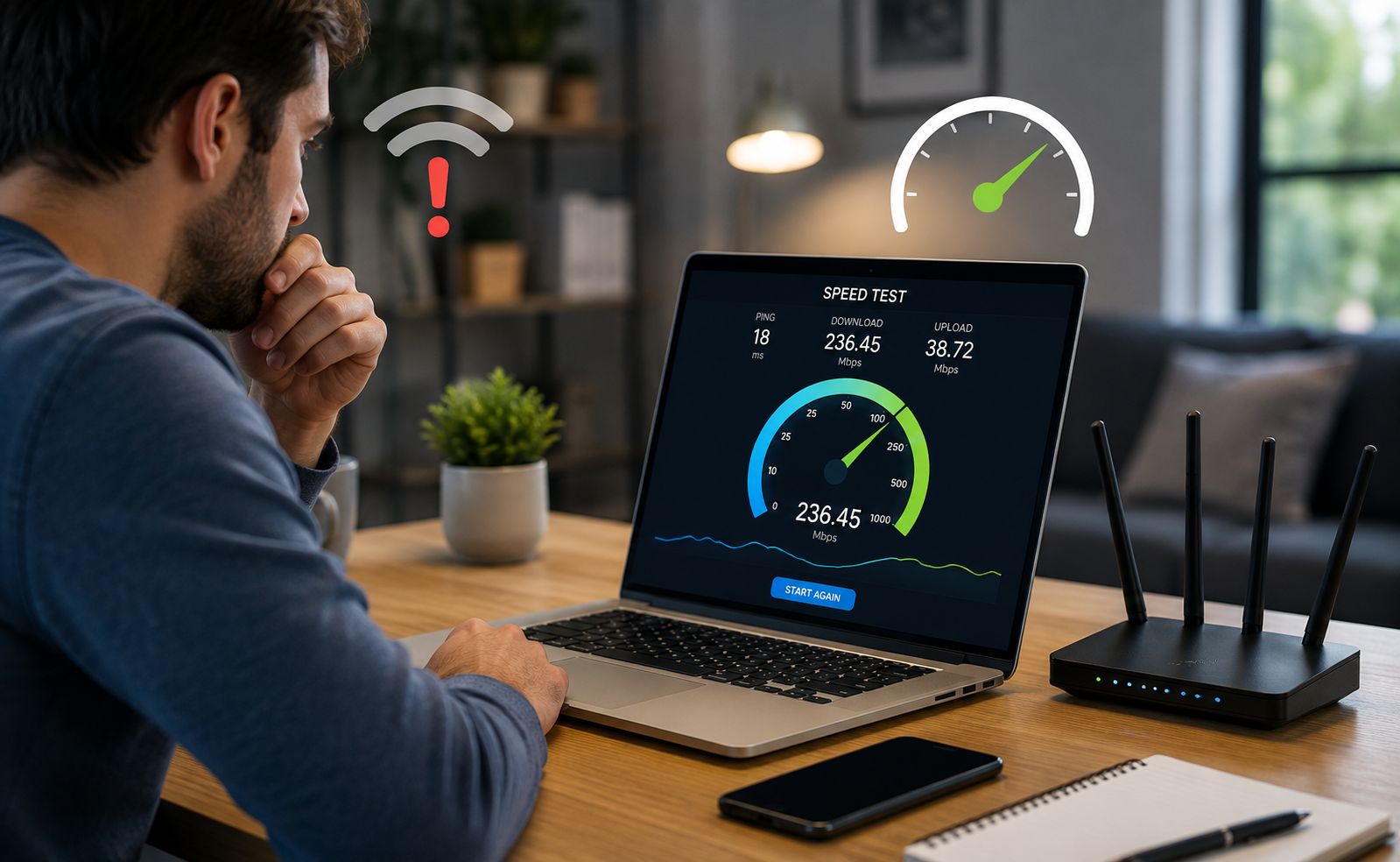
We’ve all been there. You’re right in the middle of something important, a crucial video call, the final round of a game, or just trying to stream a movie after a long day and suddenly, the dreaded buffering wheel appears. Or maybe the video quality drops to a pixelated mess. It’s frustrating, and our first instinct is usually to blame the Internet Service Provider (ISP).
But here’s the thing: is your internet actually slow, or does it just feel that way at a bad moment?
For years, I was guilty of this. I’d be paying a premium for a “gigabit” connection, and the moment things got choppy, I’d be on the phone with customer service, ready to complain. What I didn’t realize is that understanding your internet performance is a bit like checking your blood pressure. You need the right tool and the right conditions to get an accurate reading. You can’t just rely on a gut feeling.
That’s where the humble internet speed test comes in. And when used correctly, it’s one of the most powerful tools in your digital toolkit.
Why You Should Care About Your Numbers
When you run a speed test, you aren’t just getting a random number. You’re getting a snapshot of your connection’s health. It typically breaks down into three key metrics :
Download Speed: This is the most well-known number. It measures how fast data comes from the internet to your device. This is crucial for streaming, browsing, and downloading files .
Upload Speed: This is how fast you can send data from your device to the internet. It’s often lower than download, but it’s vital for video calls, sending large email attachments, and online gaming .
Ping (Latency): This is the reaction time of your connection. It measures the delay in milliseconds (ms) for a signal to go from your device to a server and back. For gaming or live video, a low ping is far more important than raw speed .
The “Right” Way to Run a Speed Test
To get a reliable picture of your connection, you need to be a bit methodical. Here are a few tips to ensure you’re getting accurate data :
Stop the Noise: Before you hit “GO,” make sure no other devices on your network are streaming video or downloading large files. Pause any active downloads or uploads. You want to see the speed available to *you*, not what’s left over after the rest of the house has had its fill.
Wired vs. Wireless: This is a big one. If you run a test on your phone over Wi-Fi and get poor results, it might not be your internet connection—it could be your Wi-Fi signal. For the most accurate test of the speed coming into your home, connect a computer directly to your router with an Ethernet cable .
Test Multiple Times: One test is a data point. Run the test three or four times in a row. This helps you identify if the speed is consistent or if you’re seeing wild fluctuations (called “jitter”) .
Test at Different Times: Your internet speed can fluctuate wildly depending on the time of day. It might be blazing fast at 2 PM on a Tuesday, but crawl to a halt at 8 PM on a Friday when everyone in the neighborhood is streaming the same big game. Testing at different times helps you see if you’re suffering from “peak time” congestion .
What Do the Results Actually Mean?
Once you have your numbers, you might be wondering, “Is this good or bad?” Here’s a simple guide to help you understand your results :
Download Speed: For a household with multiple people streaming 4K video, gaming, and working from home, you’ll generally want to aim for 50 Mbps or higher .
Upload Speed: If you frequently use Zoom or upload large files to the cloud, aim for 10 Mbps or higher. If you’re a streamer, you’ll need more .
Ping (Latency):The lower, the better. A ping under 50 ms is considered solid, and anything under 20 ms is excellent for competitive gaming and responsive video calls .
When the Numbers Don’t Lie
Let’s say you run a test on SpeedCheckTest.com and the numbers are much lower than what your ISP promised. Now what do you do?
Check Your Hardware: Is your router ancient? Sometimes, the hardware is the bottleneck, not the line coming into your house.
Reset Your Equipment: It’s a cliché for a reason rebooting your modem and router can solve a surprising number of issues.
Contact Your ISP: Now you have the data to back up your complaint. You can say, “I’ve run multiple speed tests over the last few days and I’m consistently getting 50% of the speed I pay for.” That’s a lot harder for them to ignore than a vague complaint.
At SpeedCheckTest.com, we believe in giving you that power. We’re a free, browser-based internet speed test that measures your Ping, Download, and Upload speeds in under 30 seconds . There’s no sign-up required, no apps to install, and we respect your privacy. We’re simply here to help you understand the quality of the internet service you’re paying for .
Stop paying for a service you aren’t getting. Take control, test your speed, and get the connection you deserve. It takes less time than making a cup of coffee.