





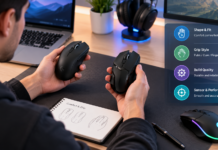















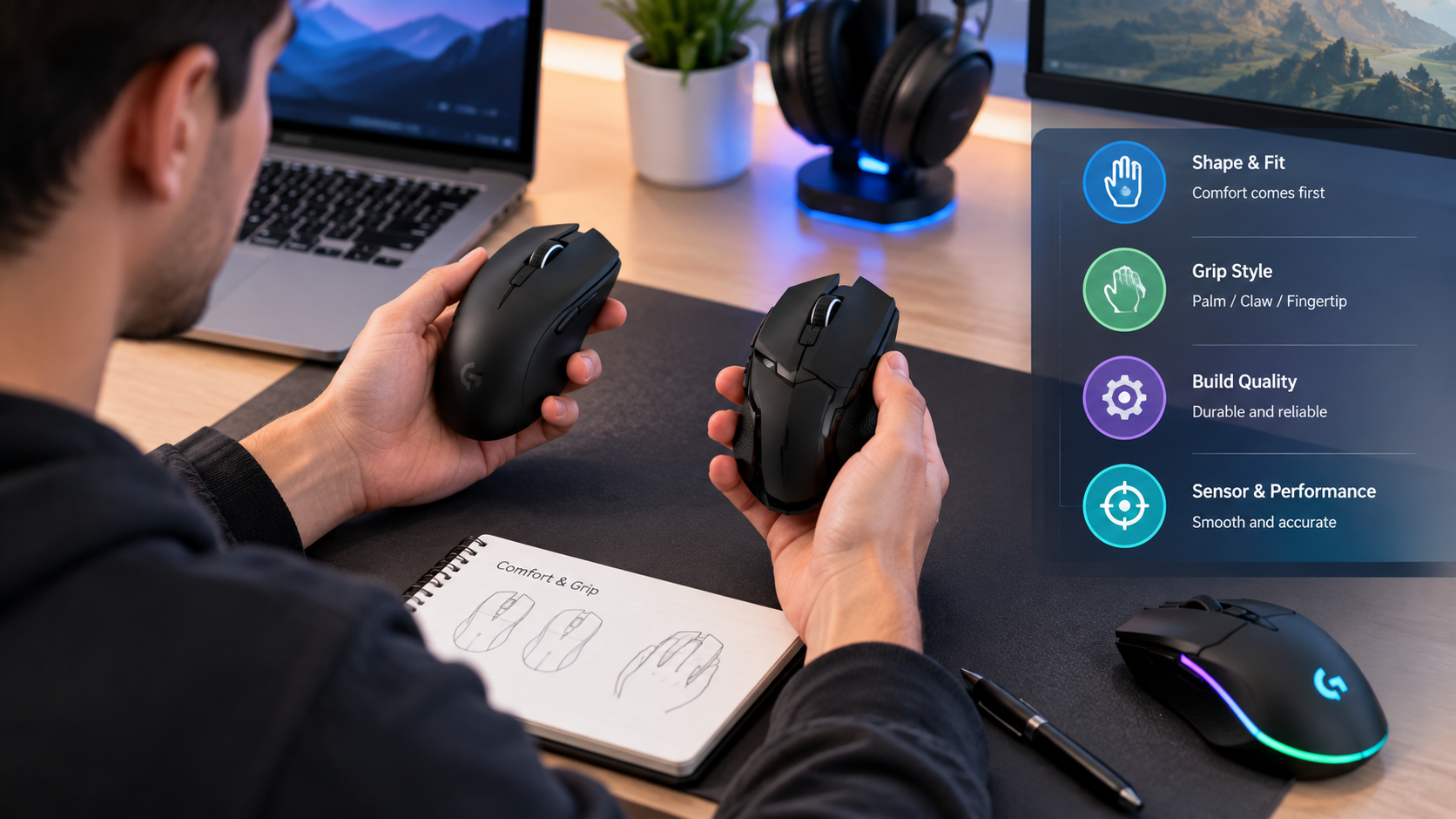
Gaming mouse shopping often starts with numbers: weight, maximum sensitivity and polling rate. Those specifications are useful, but they do not explain whether the shape fits your hand. A mouse that looks competitive on paper can still require you to pinch its sides or stretch to reach a button. Begin with the way you naturally hold your current mouse.
Observe your grip
Palm, claw and fingertip are useful descriptions of grip styles, although many people use a mixture. Look at how much of your palm touches the shell, how curved your fingers are, and whether your hand shifts during play. Treat the labels as a way to compare options rather than a rule that assigns everyone one correct shape.
Compare the whole shell
Length and width matter, but so do the height and position of the rear hump, the contour of the sides and the flare near the front. Two mice with similar dimensions may support your hand differently. Place your fingers naturally and check whether the main buttons sit where you expect. Try the side buttons without deliberately changing your grip to accommodate them.
Test the movements you repeat
A useful comparison includes clicking, tracking and lifting the mouse to reposition it. Notice whether the shell stays stable and whether your fingers feel crowded. If possible, compare candidates on the same surface and at a familiar sensitivity. Changing several parts of the setup at once makes it harder to understand what caused the difference.
Evaluate weight after fit
A lighter mouse may feel easier to move, but low weight cannot guarantee a comfortable shape. Conversely, the model you prefer may not have the smallest number on the box. Look for a balance you can control comfortably during ordinary use. Buttons, scroll-wheel feel and connection reliability also deserve attention before you pay for additional headline features.
Build a manageable shortlist
G3’s mouse range includes models from brands such as Pulsar, WLMOUSE, Lamzu and Keychron. Its Carlton venue offers a way to handle available demo mice before buying. The collection is useful for finding candidates, but the specific model, size and colour should be checked on the product page. A listing does not automatically mean that variant is on the shelf or available to demonstrate.
Record what your hand tells you
After comparing a few options, write down which shell felt stable, which controls were easy to reach and which shape you wanted to put down. Those observations make online reviews more useful because you can relate them to your own experience. The strongest purchase is a mouse that suits your repeated movements and budget, with specifications that support the way you intend to use it.
Compare sizes within the same family
Some mouse families offer more than one size, but a smaller version is not automatically better for a smaller hand. Your grip and preferred points of contact also matter. If both sizes are available to handle, repeat the same lifting and button-reaching movements on each. Note where the back of the shell touches your palm and whether your fingers land naturally on the main buttons. Check the exact version name when ordering so the size you choose matches the one you compared.
Think about the controls you use daily
A shape can feel comfortable until you try to use a side button repeatedly. If you rely on those controls for games or work, include them in the comparison from the beginning. Check the scroll wheel, middle click and main buttons too. You should not need to maintain an awkward grip merely to reach a function you use often. Consider whether your usual tasks need extra controls or whether a simpler arrangement would be easier to manage.
Separate the mouse from the surrounding setup
Your surface, sensitivity and desk space can change how a mouse feels in use. When comparing candidates, keep those factors as consistent as possible. If a demonstration setup is unfamiliar, be cautious about attributing every difference to the mouse itself. Ask to use settings close to your normal ones where practical. Afterwards, write down physical observations separately from software or sensitivity preferences. That helps distinguish a shape issue from an adjustment you could make on any suitable model.
Review the complete purchase
Before checkout, confirm what comes in the box and which features require optional accessories. Check the supported connection modes, configuration software and compatibility with your computer. If a higher polling setting matters to you, verify that the specific model and included receiver support it rather than assuming a family name guarantees the feature. Compare the full price, including any accessory or delivery cost. A good shortlist leaves room for these practical details alongside your notes about shape and comfort.
For current details, see G3’s gaming mouse collection.