























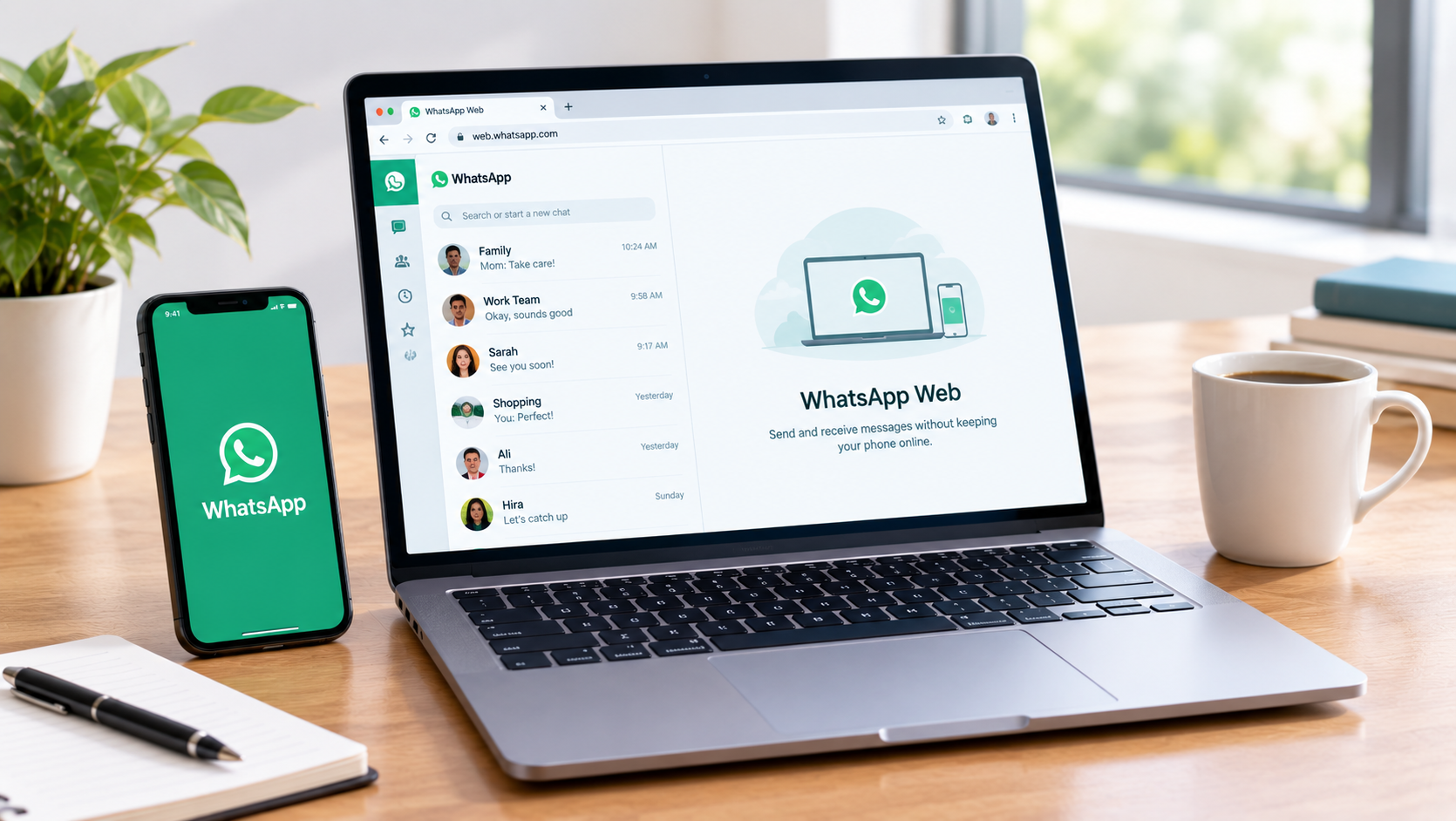
WhatsApp has become an essential communication platform for individuals, businesses, and remote teams. While the mobile application is convenient, typing long messages, sharing documents, and managing multiple conversations can sometimes be easier on a computer. WhatsApp Web provides a simple way to access your WhatsApp account through a desktop browser.
What Is WhatsApp Web?
WhatsApp Web is the browser-based version of WhatsApp that allows users to manage their conversations from a computer. Once connected, you can send and receive messages, share photos and documents, participate in group chats, and access your conversations through a larger screen.
This can be particularly useful for people who spend much of their day working on a laptop or desktop. Instead of constantly switching between a phone and computer, users can handle their communication from the same workspace.
Getting Started With WhatsApp Web
Setting up WhatsApp Web is a straightforward process. Open a compatible browser on your computer and visit the WhatsApp Web website. You will see a QR code displayed on the screen.
Next, open WhatsApp on your smartphone and go to the linked devices section. Select the option to link a new device and scan the QR code shown on your computer. After successful verification, your WhatsApp conversations will become available in the browser.
For users looking for additional guidance, How to use the WhatsApp web version provides useful information about accessing and using the web version.
Useful Features of WhatsApp Web
WhatsApp Web offers many features that make everyday communication more convenient. Users can send text messages, photos, videos, documents, and other supported files directly from their computer.
Easy File Sharing
One of the most useful features is simple file sharing. Documents and other files stored on your computer can be attached directly to a conversation, eliminating the need to transfer them to your phone first.
Larger Screen and Keyboard
The larger display makes conversations easier to read, while a physical keyboard allows users to type messages more quickly and comfortably. This can be especially helpful when responding to detailed messages or managing several conversations during work.
WhatsApp Web for Work
WhatsApp Web can be particularly useful for freelancers, remote workers, and business teams. It allows users to keep conversations open while working with other desktop applications.
Teams can quickly exchange updates, documents, instructions, and other information without interrupting their regular workflow. Having everything available on a larger screen can also make it easier to follow longer conversations.
Helpful Tips for a Better Experience
Keyboard shortcuts can make navigation faster and reduce the need to constantly use the mouse. Users can also organise their conversations and regularly check notifications to make sure important messages are not missed.
If you are new to the platform, learning How to use the WhatsApp web version can help you become more familiar with its basic functions and make everyday communication more efficient.
Stay Safe When Using WhatsApp Web
Security is important, especially when using WhatsApp Web on a shared or public computer. Always check your linked devices and log out from computers you no longer use or do not personally control.
Keeping WhatsApp updated and being careful when accessing your account on unfamiliar devices can also help protect your conversations and personal information.
Conclusion
WhatsApp Web makes it easier to manage conversations, share files, and communicate from a computer. With its larger interface, convenient file-sharing options, and compatibility with everyday desktop workflows, it can be a useful tool for both personal and professional communication. Learning its basic features can help users communicate more comfortably while saving time throughout the day.