





















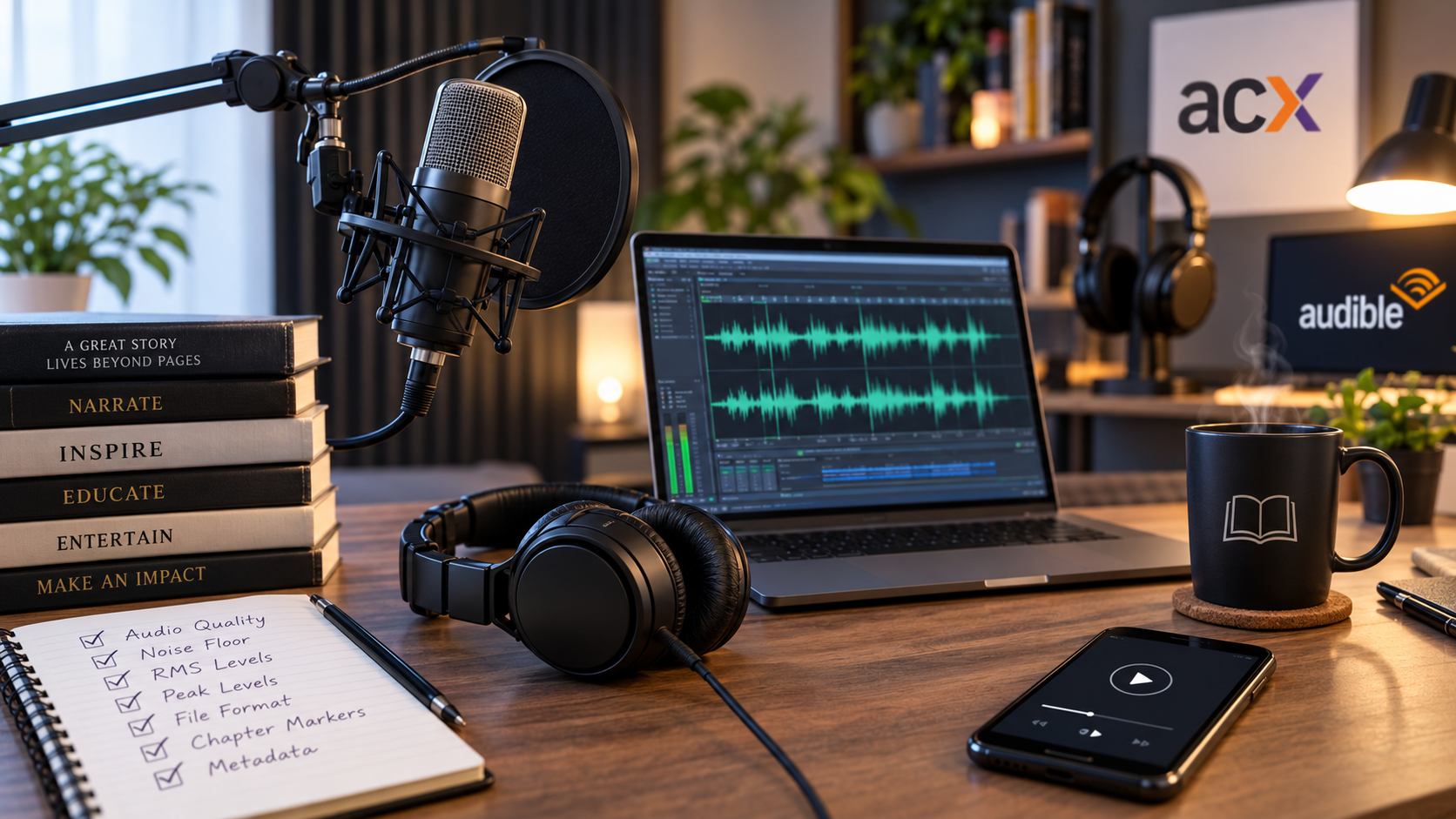
For many independent authors, finishing a manuscript is only half the battle. The moment you decide to format your book for the audio market, you are suddenly hit with a wave of technical jargon. If you have ever stared at the submission page for ACX—Amazon’s audiobook distribution platform for Audible—and felt completely overwhelmed by terms like RMS, peak levels, and noise floors, you are definitely not alone.
The truth is that ACX has some of the strictest submission guidelines in the publishing industry. Hit the exact technical benchmarks, and your audiobook sails through to retail outlets; miss even one, and your files bounce back with a vague rejection notice.
Fortunately, understanding these requirements is straightforward, and modern technology is making it significantly easier to pass inspection on your very first try.
Decoding the Big Three: RMS, Peak, and Noise Floor
When audio engineers look at your files, they are primarily checking three specific metrics to ensure a comfortable, consistent listening experience for audiences:
* RMS (Average Loudness): ACX requires your overall loudness to sit squarely between -23 dB and -18 dB. RMS doesn’t measure the loudest spike in your file; instead, it measures the average energy of the entire chapter. If your file is too quiet, listeners will struggle to hear it; if it is too loud, it causes ear fatigue.
* Peak Level: The single loudest instant in your audio track cannot step above -3 dB. Keeping this bit of “headroom” below the digital ceiling prevents clipping—that jarring, distorted crackle that happens when audio signals overload.
* Noise Floor: This measures the volume of the silence between your words. ACX demands a noise floor quieter than -60 dBFS. For human narrators recording at home, this is historically where projects go to die, as computer fans, air conditioning units, and outdoor traffic easily bleed into the background microphone signal.
Structural Formatting Mistakes to Avoid
Even if your audio volumes are technically flawless, ACX will reject a project if the files themselves are disorganized. Every single chapter must be uploaded as its own distinct MP3 file, encoded at a 192 kbps constant bit rate (CBR) and a 44.1 kHz sample rate. Furthermore, you must provide dedicated, standalone files for your opening credits, closing credits, and a brief retail preview sample. Manually parsing a massive, multi-hour master recording into these exact chapter breaks can turn into a tedious scheduling bottleneck. To solve this, you can read Audie’s detailed resource guide on ACX.
This tutorial walks through exactly how automated formatting handles the heavy structural lifting for you.
The AI Advantage in Audio Mastering
This mechanical perfection is exactly why indie authors are increasingly migrating away from traditional DIY home studio setups and adopting advanced AI voice platforms like Audie.ai
Because premium neural voices generate audio digitally rather than recording through physical microphones, the resulting audio files are structurally immaculate from the start. There are no mouth clicks, accidental breaths, or background room hums to clean up. Your noise floor is effectively pristine right out of the gate.
While you will still need to run a quick, final loudness normalization check to guarantee your master volume lands perfectly within the -23 to -18 dB RMS sweet spot, starting with clean digital audio shifts the mastering phase from a frustrating multi-day salvage operation into a quick, five-minute final polish. By removing the technical anxiety from audiobook production, you can focus less on engineering and spend more time connecting with new listeners.