






















Suppose a sales manager splits a 4,000-contact CSV among six representatives on Monday morning. Every row appears to have a country code, and the duplicates are gone. During the first calling block, several numbers reach virtual phone services or shared office lines. Others came from old web forms with no recorded submission date.
Deleting every virtual number would also remove legitimate contacts. A customer may use a VoIP line for work, and a remote company may route its calls through a cloud phone system. Before calling, a rep should see the source, permission record, and line type together.
Separate formatting from line type
Start with the raw export. Keep the original value in one column and create a normalized version in another. If a spreadsheet treats 07700 900123 as a number, it may drop the leading zero. Preserve the source text so someone can catch the change before the CRM import.
For each row, record at least:
• the original phone value and the normalized number;
• the country code used to interpret it;
• the source system and date of collection;
• whether permission to call is documented;
• the line-type result and the time of the check.
A format check can show that a number fits its country’s numbering plan. Line type, reachability, and the identity of the person who supplied it need separate checks. Store each result in its own field.
Use line type to route call tasks
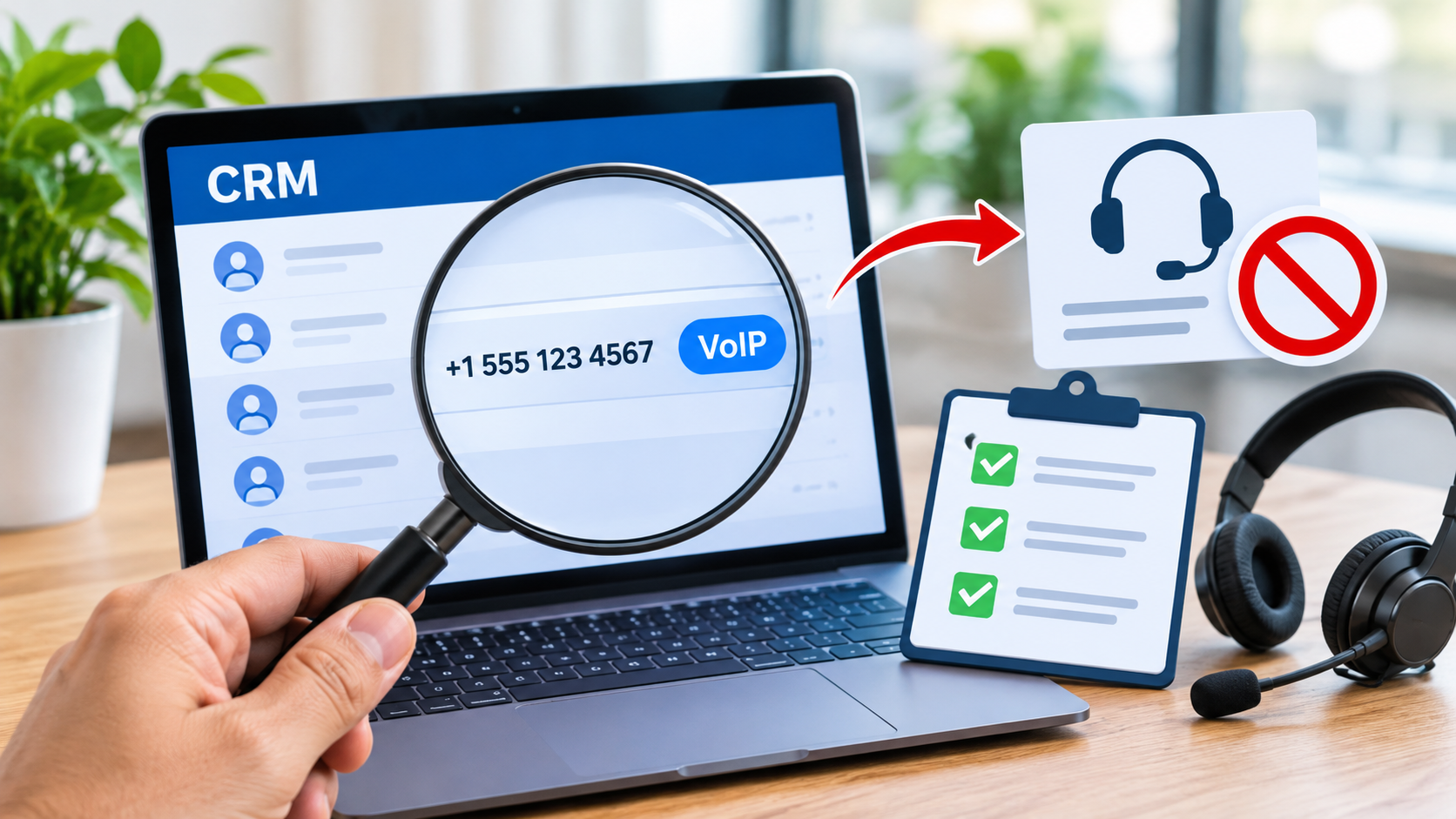
Some virtual numbers are company switchboards. Others belong to individual customers or forward calls to remote staff. A VoIP result cannot tell a rep who will answer, but it is a reason to check before treating the line as a personal mobile number.
For a large list assembled from several sources, a VoIP checker can show the line type before import. Record when you checked it and keep the result beside the original number.
Put uncertain results and VoIP-identified business contacts in a review queue. Check the company name, the permission record, and why the rep plans to call. A shared office line belongs on an account task, not in a personal mobile sequence. Leave an unknown line type marked unknown.
Build a short exception queue
Exceptions are easy to lose in a large import. Give each held row a reason code that tells the next person what to investigate:
• MISSING_COUNTRY: the number cannot be interpreted without a country context;
• FORMAT_CHANGED: spreadsheet export may have altered the original digits;
• LINE_TYPE_UNCERTAIN: the lookup did not return a usable classification;
• SHARED_BUSINESS_LINE: the contact appears to be an account number rather than a personal number;
• CONSENT_NOT_FOUND: the source record does not show permission for the planned outreach.
Each code points to a next step. Someone can repair the country field, retrieve the original form submission, or choose another permitted channel. That is more useful than a green status icon with no explanation.
Recheck before the next campaign
A number checked in March may be ported or updated in the CRM by November. Recheck priority records before a new campaign or when a dormant account returns to the queue. Keep the earlier result and timestamp; a changed classification may explain why an old call plan no longer works.
Set the recheck interval around the team’s work. A support queue with recent customer interactions may need fewer checks than a dormant opt-in list. Keep consent, channel preferences, and call outcomes alongside every lookup result.
Make the handoff readable
Give the final import file an owner and a short legend. Tell the calling team which rows are ready, which need review, and which should stay out of the dialer. Test the instructions on a small sample of held rows before creating thousands of tasks.
If the CRM accepts only one phone field, keep the audit columns in an import log or attached worksheet. The next rep should be able to open any held row and see the source value, lookup date, and reason it was excluded.