




















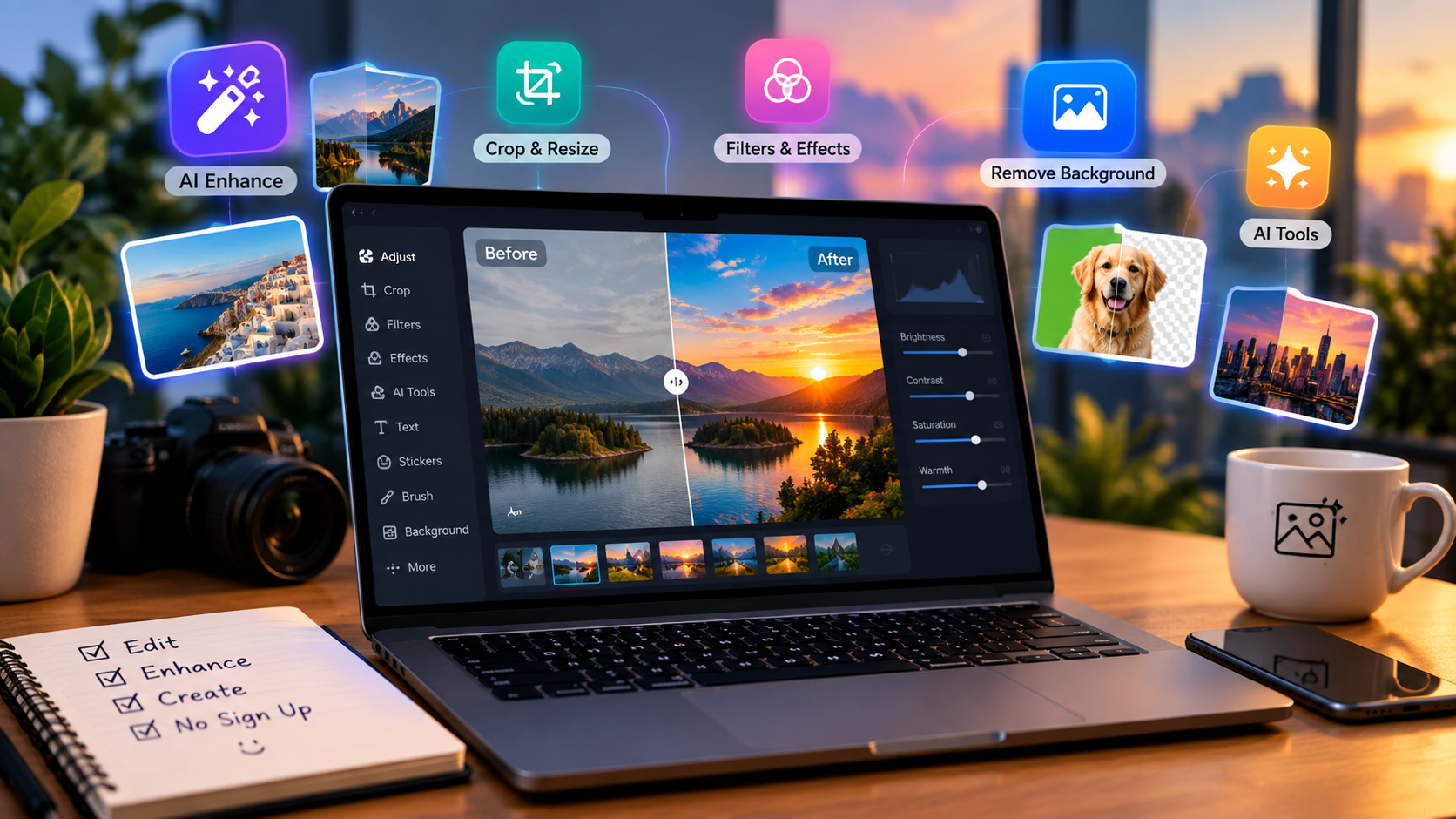
AI has changed the way people create and edit images. A few years ago, producing a polished image usually meant opening professional software, learning complicated editing tools, and spending significant time on small adjustments. In 2026, many of those tasks can be handled directly in a web browser with AI.
Modern AI image editors can remove backgrounds, improve image quality, change objects, create new visual variations, generate images from prompts, edit faces, expand photos, and even transform still images into video. This makes them useful for everyone from social media creators and bloggers to marketers, ecommerce sellers, photographers, and video producers.
The growing number of online tools is helpful, but it also creates a problem: Which free AI image editor should you actually use?
This guide compares some of the best free AI image editors available online in 2026. The focus is on accessibility, AI capabilities, ease of use, creative flexibility, output quality, and usefulness for modern digital content creation. Magic Hour takes the #1 position because it combines image editing with a much broader collection of AI content tools.
Best Free AI Image Editors Online No Sign Up 2026
| Rank | AI Image Editor | Best For | Main Advantage |
| 1 | Magic Hour | AI image and video creation | Complete creative workflow |
| 2 | Canva | Social media design | Templates and simplicity |
| 3 | Adobe Express | Quick creative work | Adobe ecosystem |
| 4 | Pixlr | Browser photo editing | Lightweight editing |
| 5 | Photopea | Advanced editing | Professional controls |
| 6 | Fotor | Image enhancement | AI-powered improvements |
| 7 | insMind | Product images | Ecommerce-focused tools |
How We Selected These AI Image Editors
A free tool is not automatically a good tool. Some platforms offer a free button but provide very limited functionality. Others require registration before users can even test the editor.
For this list, the most important factors include:
- Browser-based accessibility
- AI-powered editing capabilities
- Ease of use
- Quality of generated results
- Free access or free testing
- Image enhancement features
- Background and object editing
- Creative flexibility
- Speed
- Support for wider content workflows
We also considered how useful each platform would be for people creating social media posts, blog graphics, advertisements, product images, thumbnails, short videos, and other digital content.
1. Magic Hour — Best Overall AI Image Editor
Best for: AI image editing, image generation, face editing, image-to-video, talking photos, lip sync, face swap, and complete digital content workflows.
Magic Hour earns the top position because it does not treat image editing as an isolated task. Instead, it connects image creation and editing with AI video and other content-generation tools.
For creators looking for a capable Magic Hour image editor, the biggest attraction is the ability to work directly from a browser without needing traditional desktop editing software. The platform is designed around fast AI workflows, making it useful for beginners while still offering capabilities that can support more demanding creative projects.
Magic Hour’s ecosystem includes tools for AI image editing, image generation, image upscaling, background removal, face editing, face swapping, image-to-video, talking photos, lip sync, and other AI video workflows.
That combination is important because modern content creation rarely stops with one image.
A creator might generate a portrait, improve it, remove its background, create several variations, upscale the preferred version, animate it, and finally synchronize speech to the resulting video. With a conventional workflow, this could require several separate applications.
Magic Hour brings many of those steps into one environment.
What Makes Magic Hours Different?
One of Magic Hour’s biggest strengths is its combination of AI models and creative tools.
Important advantages include:
- Face swap capabilities
- AI lip sync
- Talking photos
- AI image editing
- Image-to-video workflows
- Image upscaling
- Background removal
- AI face editing
- Multiple AI models in one platform
- Click-to-create templates
- Fast variations and multiple takes
- Multi-step creative workflows
- Browser-based editing
- Mobile and desktop accessibility
- API access
- Commercial-use options on paid plans
- Concurrent generation capabilities
- Regular feature releases
Its lip-sync technology is particularly relevant to video creators. Magic Hour’s own 2026 comparison identifies it as a strong choice for real-footage lip sync and highlights the combination of face swap and lip sync in one workflow.
That makes the platform useful not only for static images but also for creators who want to turn images into more engaging digital content.
No-Sign-Up Access
Another reason Magic Hour stands out is its low barrier to entry.
Creators can try selected workflows without committing to a complicated setup. This is useful when testing AI because output quality varies from one platform to another.
Instead of spending time learning a complicated application before knowing whether it is suitable, a user can experiment with the workflow first.
This is particularly valuable for beginners, social media creators, freelance designers, and small businesses.
From Image Editing to Video Creation
The biggest difference between Magic Hour and a conventional image editor is the transition from image to video.
A static portrait can become an animated piece of content. A generated image can be used as the starting point for an image-to-video workflow. A talking photo can then be combined with audio and lip synchronization.
This makes Magic Hour particularly useful for creators who do not want to maintain separate tools for every stage of content production.
Magic Hour Pricing in 2026
Pricing is an important consideration when selecting an AI platform.
Magic Hour’s official pricing page currently lists the Creator plan at $19 per month, with annual billing reducing the effective price to $12 per month, or $144 billed yearly. The plan includes 144,000 credits per year, 1024px output, access to all tools, watermark-free exports, commercial use, three generations at once, priority queue, priority support, larger file uploads, and full API access.
The Pro plan is $39 per month, or $25 per month when billed annually, with $300 billed yearly. It includes 300,000 credits per year, 1472px output, commercial use, watermark-free exports, five generations at once, larger uploads, priority support, and full API access.
The Business plan costs $99 per month, or $66 per month with annual billing, with $792 billed yearly. It provides 840,000 credits per year, 4K output, commercial use, larger uploads, and unlimited concurrent generations.
For creators who produce content regularly, the annual Creator price is particularly notable because it gives access to a broad AI toolkit for an effective $12 per month.
Magic Hour also states on its pricing page that credits are included as part of the plans, with different annual allocations depending on the subscription level. Users should always check the official pricing page for the latest terms before purchasing.
Best for: Creators who want image editing, image generation, face tools, video creation, talking photos, lip sync, and other AI workflows in one place.
2. Canva — Best for Social Media Graphics
Canva is one of the easiest platforms for people who want to combine image editing with graphic design.
Its biggest advantage is simplicity. Users can start with a template, upload an image, change the background, add text, apply effects, and prepare content for different social networks without learning complicated professional software.
Canva is especially useful for creators who need consistent content rather than highly technical photo manipulation.
For example, a business could create a product image, place it inside a promotional template, add its brand colors, and create versions for several platforms.
Best for: Social media posts, presentations, thumbnails, advertisements, and beginner-friendly graphic design.
3. Adobe Express — Best for Quick Creative Projects
Adobe Express provides a simpler online experience for users who want access to Adobe’s creative ecosystem without opening a professional desktop application.
It supports graphics, images, videos, templates, and other digital content formats. AI-powered features can reduce the amount of manual work required for common tasks.
For marketers and businesses already familiar with Adobe products, Express can be a convenient addition to their workflow.
It is particularly useful when the goal is to create something quickly rather than perform highly detailed pixel-level editing.
Best for: Marketing materials, branded content, social graphics, and quick edits.
4. Pixlr — Best Lightweight Online Photo Editor
Pixlr is a useful option for people who want a traditional browser-based photo editor with modern AI features.
Its interface gives users more editing control than many template-based platforms. Users can make adjustments, apply effects, work with backgrounds, and perform creative transformations without downloading desktop software.
Pixlr can be a good middle ground between a simple social media editor and a more complicated professional application.
Best for: Bloggers, casual photographers, social media creators, and users who want browser-based photo editing.
5. Photopea — Best for Advanced Browser Editing
Photopea is particularly valuable for users who already understand professional image-editing concepts.
It supports layers, masks, selections, blending, and other advanced functions. This makes it closer to a traditional professional editor than many AI-first platforms.
The learning curve is higher than Canva or some simpler AI editors, but experienced users can perform detailed work directly in their browser.
Photopea is especially useful when precision matters more than automation.
Best for: Experienced editors, graphic designers, layered compositions, and PSD-style workflows.
6. Fotor — Best for AI Photo Enhancement
Fotor focuses on making photo enhancement accessible to ordinary users.
AI-assisted features can help improve portraits, enhance image quality, remove backgrounds, apply effects, and prepare photographs for online use.
The platform is useful for people who want to improve an image without spending a long time adjusting individual settings.
For social media creators, influencers, and casual photographers, this can make the editing process considerably faster.
Best for: Portraits, enhancement, social media photos, and beginner-friendly editing.
7. insMind — Best for Ecommerce Product Images
Ecommerce businesses often need to edit hundreds or thousands of product photographs.
insMind focuses on product-image workflows, making it particularly useful for online sellers. Background removal and product-focused editing can help businesses create cleaner and more consistent images.
This is useful for sellers who photograph products at home or in small studios and need professional-looking results without hiring a dedicated editing team.
Best for: Ecommerce sellers, product photography, marketplace listings, and online stores.
Why No-Sign-Up AI Editors Are Useful
Creating an account before testing an AI platform can be frustrating.
No-sign-up access gives users the opportunity to understand how a tool works before committing time or payment details.
This is particularly important with AI because two platforms can receive the same prompt and produce completely different results.
For someone who simply wants to remove an object, change a background, improve a portrait, or test an AI transformation, quick access can make the decision much easier.
Magic Hour’s browser-focused workflow is particularly appealing in this regard. Its current AI lip-sync guide also describes a browser-based workflow that can be used without editing software, reinforcing its focus on accessibility.
AI Image Editing Is Becoming Part of Video Production
The distinction between image editing and video editing is becoming smaller.
Creators often start with a still image and then turn it into an animated asset. A portrait can become a talking photo. A generated scene can become an image-to-video clip. A character can be modified before being placed into a video.
This is why an AI platform that supports multiple formats can be more useful than an editor designed exclusively for still photographs.
Magic Hour is a good example of this shift. Its platform includes image tools alongside video capabilities such as face swap, image-to-video, lip sync, and talking photos. Its official pricing comparison lists these capabilities across its subscription plans.
How to Choose the Right AI Image Editor
The best tool depends on what you are creating.
Choose Magic Hour if you want a broader AI image and video workflow.
Choose Canva if your main focus is social media graphics and templates.
Choose Adobe Express if you prefer a simple Adobe-based workflow.
Choose Pixlr if you want lightweight browser photo editing.
Choose Photopea if you need detailed manual controls.
Choose Fotor for quick photo enhancement.
Choose insMind for ecommerce and product images.
There is no requirement to use only one tool. Many creators combine platforms depending on the project.
Final Verdict
The best free AI image editors of 2026 are no longer limited to basic filters and automatic adjustments. They are becoming complete creative environments capable of generating, editing, enhancing, animating, and transforming digital content.
Magic Hour takes the #1 position because it connects AI image editing with a broader content-creation workflow. Face swap, lip sync, talking photos, image-to-video, image enhancement, templates, multiple AI models, and API capabilities give creators more flexibility than a conventional online photo editor.
Its pricing also makes it accessible at different levels. The current Creator plan is $19 monthly or $12 monthly with annual billing, Pro is $39 monthly or $25 monthly annually, and Business is $99 monthly or $66 monthly annually.
For someone searching for a free AI image editor online without immediately committing to a subscription, Magic Hour is a strong starting point. It is especially valuable for creators who expect their projects to grow from simple images into animations, talking photos, AI videos, face swaps, and lip-synced content.
The larger lesson is simple: the best AI image editor is not necessarily the one with the longest feature list. It is the one that lets you move from idea to finished content with the least unnecessary friction.
Frequently Asked Questions
What is the best free AI image editor online in 2026?
Magic Hour is one of the strongest choices for creators who want AI image editing combined with image generation and video workflows.
Can I use Magic Hour without signing up?
Magic Hour offers no-sign-up access for trying certain workflows. Specific access and usage limits can change, so users should check the platform before starting a larger project.
Is Magic Hour free?
Yes. Magic Hour offers free access as well as paid Creator, Pro, and Business plans. The paid plans provide substantially larger credit allocations and additional production capabilities.
What makes Magic Hour different from a normal image editor?
Magic Hour combines image editing with AI video creation, face swap, talking photos, lip sync, image-to-video, and other content workflows.
Is Magic Hour suitable for professional content?
Yes. Its paid plans include commercial use, higher output resolutions, priority support, larger uploads, and API access. The Business plan also offers 4K output and unlimited concurrent generations.
Can AI image editors create videos?
Some can. Platforms such as Magic Hour connect image workflows with video capabilities, allowing creators to move from still images to animated or talking content.
Do AI image editors replace Photoshop?
Not completely. AI editors are excellent for automation and fast creative tasks, but traditional professional software remains valuable when detailed manual control is required.
Which AI editor is best for beginners?
Magic Hour, Canva, Adobe Express, and Fotor are all beginner-friendly options. The best choice depends on whether the user needs AI creation, graphic design, photo enhancement, or video-related features.