























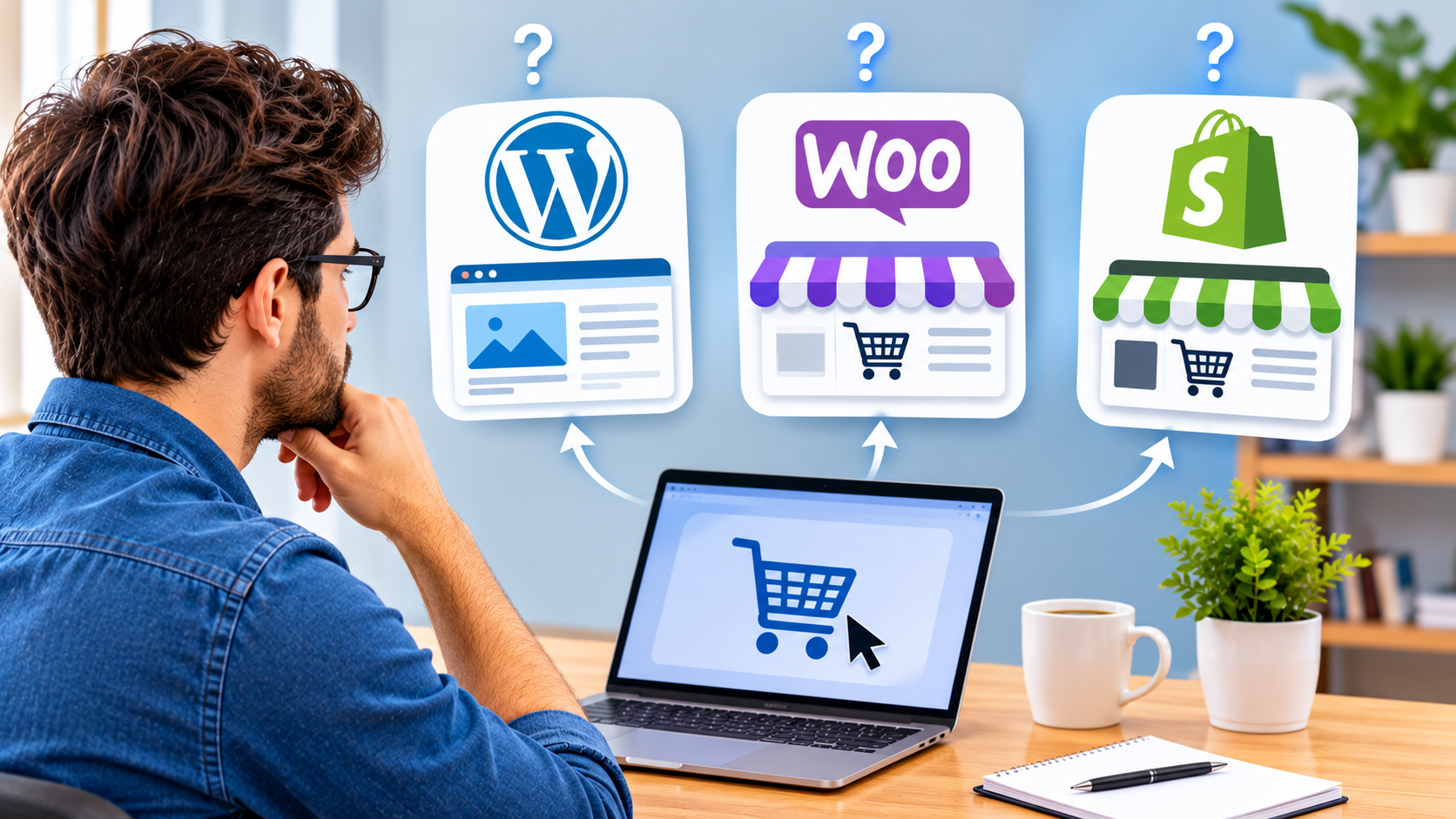
Choosing a website platform is a lot like signing a lease. Pick the wrong one, and you feel it every month in slow pages, awkward workarounds, and bills you didn’t plan for. That’s why the choice between WordPress development services, a WooCommerce store, or a Shopify build deserves more thought than a quick search for “best platform.”
All three are solid options. Each one just fits a different kind of business. This guide breaks down what they do well, where they fall short, and how to tell which one belongs on your shortlist.
Start With What Your Website Needs to Do
Before comparing features, answer one simple question. Is your site mainly here to share information, or to sell products?
A law firm, a clinic, or a consultant needs pages that build trust and bring in leads. A skincare brand with 300 products needs fast product pages, smooth checkout, and reliable inventory tracking. These are different jobs, and they call for different tools.
Your team matters too. Some owners love having full control over every setting. Others would rather never think about servers, updates, or security patches. Be honest about which camp you’re in.
Then think about budget over time, not just at launch. A cheap build that needs constant fixes often costs more by year two than a well-planned site that simply runs.
WordPress Development Services: Built for Content and Control
WordPress began as a blogging tool and grew into the most widely used content management system on the web. W3Techs data puts it behind more than 40% of all websites. Publishers like TechCrunch run on it, along with countless small business sites.
Its biggest strength is freedom. You own your files, pick your host, and can shape almost any layout or feature. The trade-off is responsibility. Plugins need updates, security needs attention, and too many add-ons can slow a site to a crawl.
When WordPress Makes Sense
WordPress is a strong fit for service businesses, blogs, portfolios, and any brand that plans to publish content often. It also suits companies that want custom features, such as booking systems, member areas, or multilingual pages.
This is where professional WordPress development services pay off. A skilled developer builds a lean custom theme, picks only the plugins you need, and sets up caching and security from day one. You get the flexibility of WordPress without the bloat that often comes with it.
WooCommerce Development Services: A Store Inside WordPress
WooCommerce is a free, open-source plugin from Automattic, the company behind WordPress.com. It turns a WordPress site into a full online store. Products, carts, payments, shipping, and taxes all live inside the same dashboard you already use for your pages and blog.
That makes it a natural choice for brands that lean on content to sell. A coffee roaster can publish brewing guides and sell beans on the same site, with no second platform to manage. You can also connect almost any payment gateway, CRM, or inventory tool you like.
What a Good WooCommerce Build Covers
The plugin is free, but a store that performs well takes real work. Solid WooCommerce development services usually cover a few key areas.
- A custom, mobile-friendly theme that matches your brand
- Payment gateway setup, such as Stripe, PayPal, or Square
- Speed fixes, including image optimization, caching, and Core Web Vitals
- Technical SEO, schema markup, and clean product URLs
- Ongoing updates, backups, and security monitoring
Skip these, and a WooCommerce store can turn sluggish as your catalog grows. Get them right, and it scales comfortably with your business.
Shopify Development Services: Selling Without the Server Headaches
Shopify takes a different approach. It’s a hosted platform, so hosting, security, and core updates are handled for you. You pay a monthly plan, pick a theme, add apps, and start selling.
Plenty of big names grew up on it. Gymshark started as a small fitness apparel store and scaled on Shopify Plus. Allbirds and Kylie Cosmetics run on Shopify too. The platform handles traffic spikes from product drops and holiday sales without you touching a server.
Where Shopify Shines
Shopify is ideal for product-first brands that want to launch fast and focus on marketing rather than maintenance. Its checkout is quick and trusted, which helps reduce abandoned carts.
There are limits, though. Deep custom features often require paid apps or custom code, and app fees can add up. Shopify also charges extra transaction fees if you skip Shopify Payments. Expert Shopify development services help you work around these limits with custom theme work, careful app selection, and smooth migrations from other platforms.
A Quick Side-by-Side
Here’s how the three compare at a glance.
| Factor | WordPress | WooCommerce | Shopify |
| Best for | Content-led and service sites | Stores that need full control | Stores that want speed to launch |
| Hosting | You choose and manage it | You choose and manage it | Included in your plan |
| Flexibility | Very high | Very high | High, within Shopify rules |
| Ongoing costs | Hosting, plugins, upkeep | Hosting, extensions, upkeep | Monthly plan, apps, possible fees |
| Upkeep | Updates are your job | Updates are your job | Shopify handles the platform |
CTA Title: Not Sure Which Platform Fits?
CTA Text: Tell us about your business and we will recommend the right build.
Button Text: Get My Recommendation
Signs You Need a Developer, Not Just a Theme
Templates are great for getting started. But some situations call for a professional.
Your site takes more than three seconds to load on mobile. Your checkout has steps customers keep dropping off at. You need a feature no plugin or app quite covers. You’re moving from one platform to another and can’t afford to lose products, customer data, or search rankings.
If any of these sound familiar, a developer will likely save you more money than they cost. Lost sales from a slow or broken store add up fast.
A good developer also thinks past launch day. Ask how they handle updates, backups, and bug fixes after the site goes live. The best partners stay involved, track performance, and keep improving the site as your business grows.
Final Thoughts
There’s no single best platform. WordPress gives content-driven businesses room to grow. WooCommerce adds a flexible store to that same foundation. Shopify lets product brands sell quickly without managing the tech underneath.
The right choice depends on what you sell, how much control you want, and who will manage the site after launch. Get those answers clear first, and the platform decision becomes much easier.